When I decide to sell my iPhone, I want the process to be simple. I do not want to spend days looking for a buyer or deal with a long process. If you are thinking, “How can I sell my iPhone for cash?” the first step is to check what you have and understand what can affect its value.
Before I sell my phone, I check its model, storage, condition, battery health, and whether it is unlocked. I also make sure to remove my personal data before handing it over. These simple steps can help me prepare my phone and understand what to expect from a cash offer.
How Can I Sell My Used iPhone Quickly in Dearborn?
Selling an iPhone does not have to be complicated. I can follow a few basic steps to prepare my phone, compare my choices, and complete the sale with fewer surprises.
1. Check My iPhone Model and Storage
I first check the exact iPhone model I own. For example, an iPhone 13, iPhone 14, and iPhone 15 will not have the same resale value.
I also check the storage size. My phone may have 64GB, 128GB, 256GB, or more. I can find this information under Settings > General > About.
Knowing these details helps me describe my phone correctly when I request an offer.
2. Look Closely at the Phone’s Condition
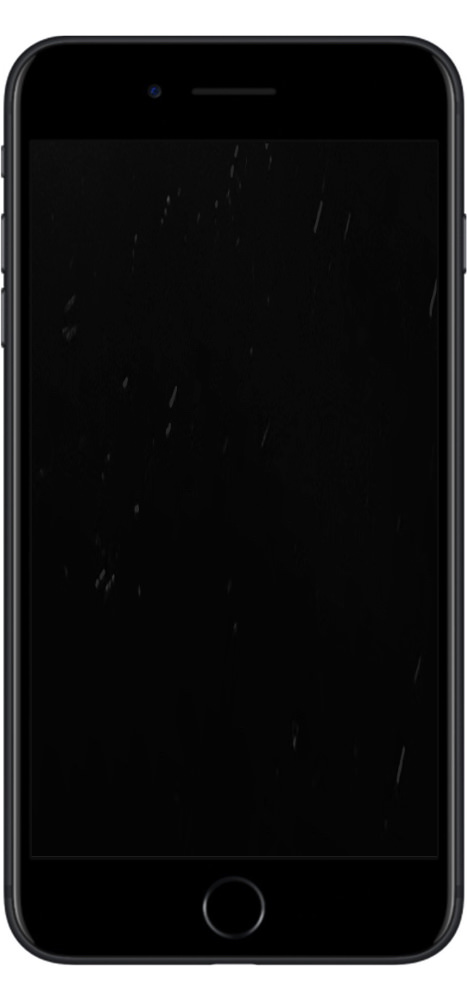
Next, I inspect my iPhone in good lighting. I look for cracks, deep scratches, dents, screen issues, or signs that the phone has been opened or repaired.
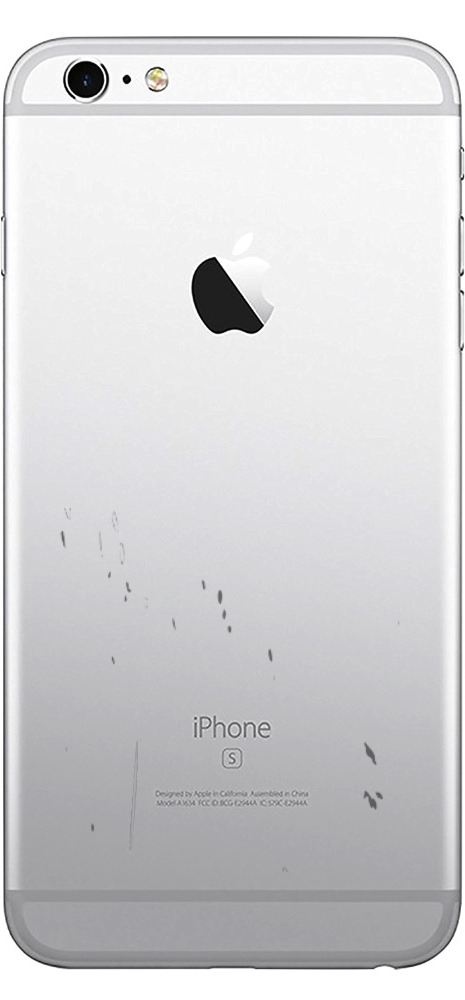
I also check the phone’s frame and back. If there is water damage or the screen is separating from the body, I should mention it before getting an offer.
Being honest about the condition can make the selling process easier because the buyer can evaluate the phone based on its actual condition.
3. Test the Main Features
Before selling my iPhone, I test the features I use every day. I check the screen, buttons, speakers, microphone, cameras, charging port, Wi-Fi, Bluetooth, and Face ID or Touch ID.
I also make a test call and make sure the phone connects properly to a network.
If something doesn’t work, I mention it. A working phone will generally be easier to evaluate than one with an unknown issue.
4. Check the Battery Health
Battery condition is another detail I check before selling. On an iPhone, I can go to Settings > Battery > Battery Health & Charging to see the maximum capacity.
A phone with lower battery health may receive a different offer than one with a stronger battery. I don’t need to replace the battery before selling unless it makes sense for me.
5. Check Whether My iPhone Is Unlocked
I also check whether my iPhone is carrier locked. An unlocked phone can work with compatible carriers and may be more useful to a buyer.
I can check this under Settings > General > About. If “Carrier Lock” shows “No SIM restrictions,” the phone is unlocked.
This is one detail I should know before I ask for an offer.
6. Compare My Selling Options
I do not have to use the first option I find. I can compare local buyers, online marketplaces, and other iPhone trade-in options.
If I want cash quickly, a local buyer may be more convenient because I can take the phone in for an evaluation instead of waiting for a private buyer.
I should compare the expected payment, processing time, and effort involved before deciding.
7. Remove My Personal Information
Before I sell my iPhone, I back up anything I want to keep. I then sign out of my Apple Account and turn off Find My before erasing the phone.
I also remove my SIM card if I have one. This protects my personal information and helps prevent the next owner from having problems using the device.
Apple recommends backing up the device, signing out, and erasing all content and settings before selling an iPhone.
8. Review the Offer Before I Accept It
Once I have prepared my phone, I can take it to a buyer and ask for an evaluation. I can also compare offers from used iPhone buyers.
I should ask how the buyer reached the offer and whether the final amount can change after the phone is inspected.
If the offer works for me, I can complete the sale and receive payment according to the buyer’s payment process.
Summary
When I want to sell my iPhone for cash in Dearborn, I start by checking the phone’s model, storage, condition, battery, and carrier status. I then back up my data, remove my personal information, and compare my selling options.
Taking a few minutes to prepare my iPhone can make the process easier. Once I understand my phone’s condition and review the offer carefully, I can decide whether the sale works for me.
FAQs
- Where can I sell my iPhone for instant cash in Dearborn?
I can sell my iPhone to a local phone buyer in Dearborn, including Mobilex Phone at 4620 Greenfield Rd.
- How much can I get for my iPhone in Dearborn?
The amount depends on the model, storage, condition, battery health, functionality, and current market demand.
- What do I need to sell my iPhone for cash?
I should bring my iPhone and provide accurate details about its condition. I should also remove my personal information before completing the sale.
- Can I sell a damaged or locked iPhone for cash?
I may still be able to sell a damaged or locked iPhone, but the condition and lock status can affect the offer.
- How quickly can I get paid for my iPhone?
Payment time depends on the buyer and the selling method. A local buyer may complete the process after inspecting the phone.